


Gobierno de México:Huella
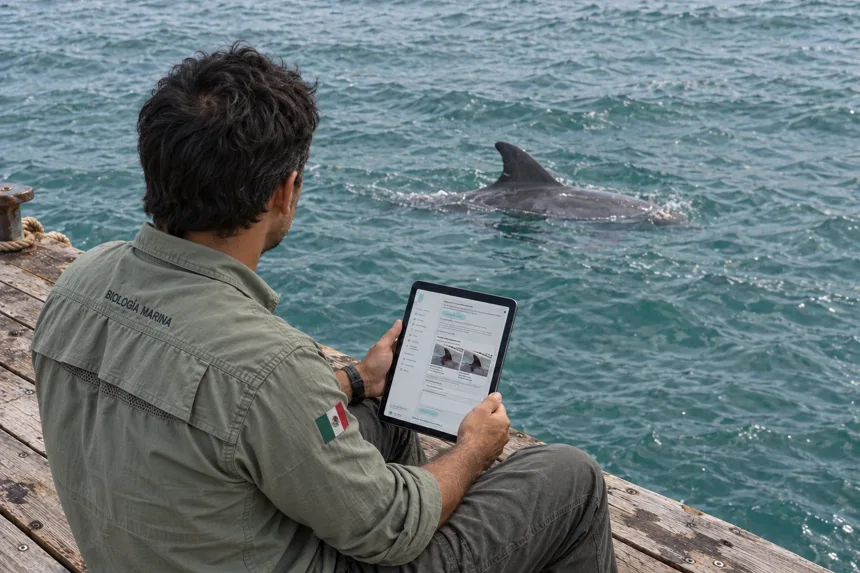
A platform for documenting marine-mammal inspections and keeping each animal’s history connected.
- Web app
- Inspections
- Traceability

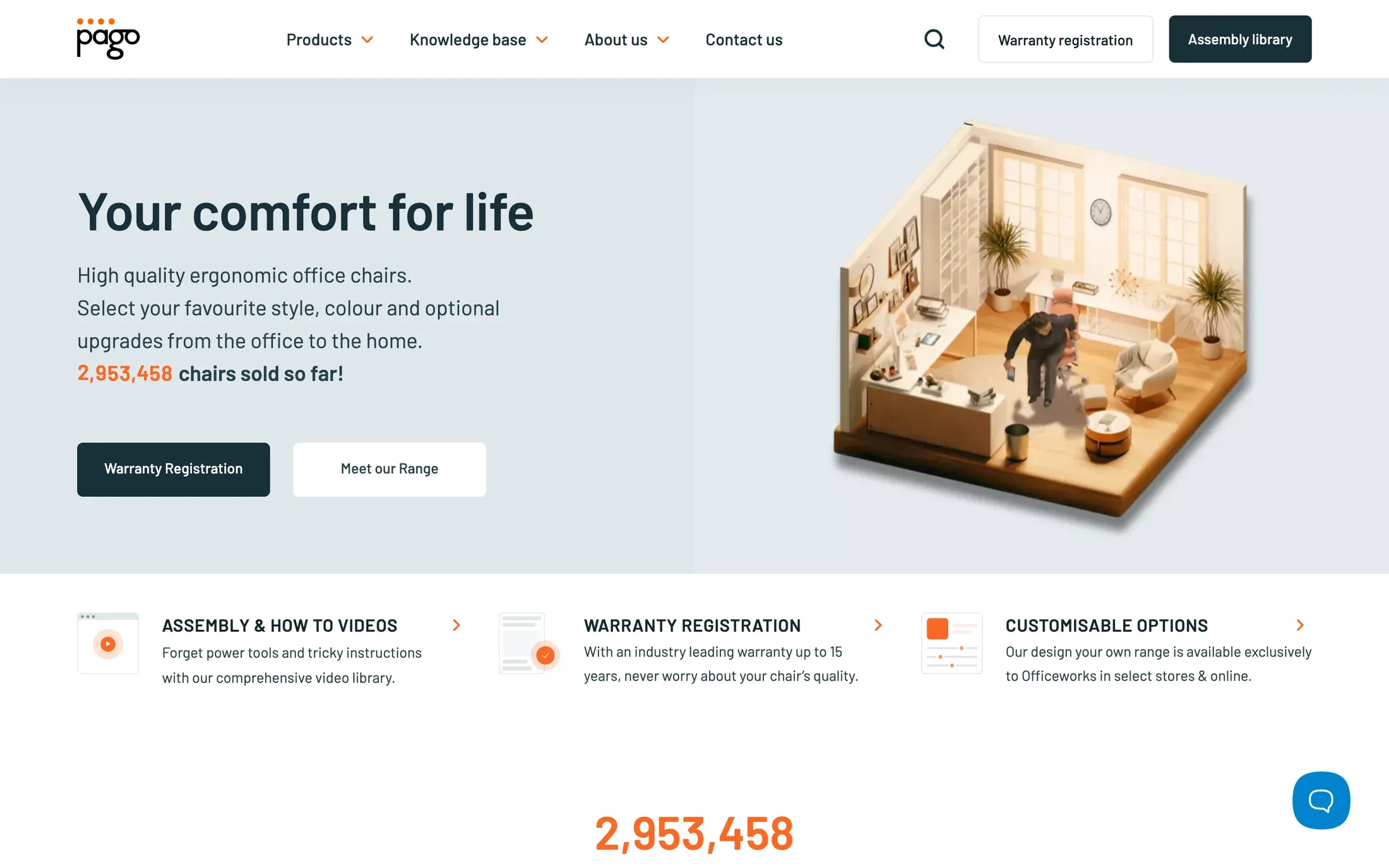
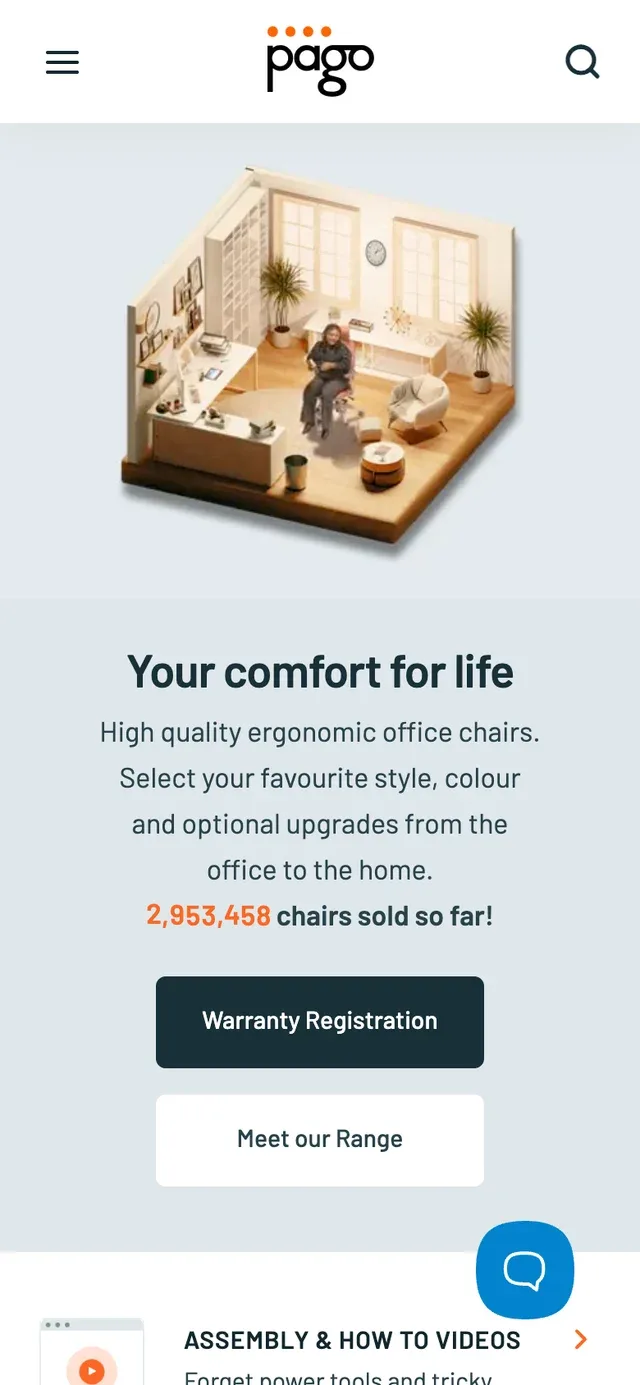
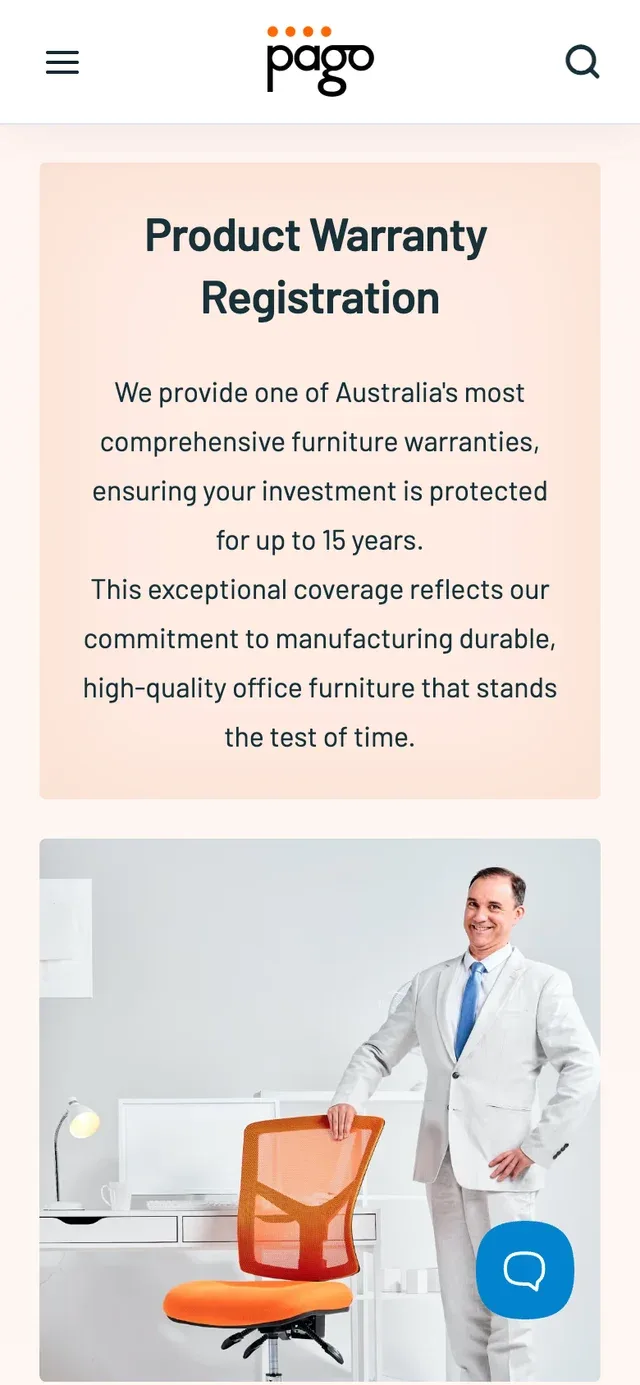
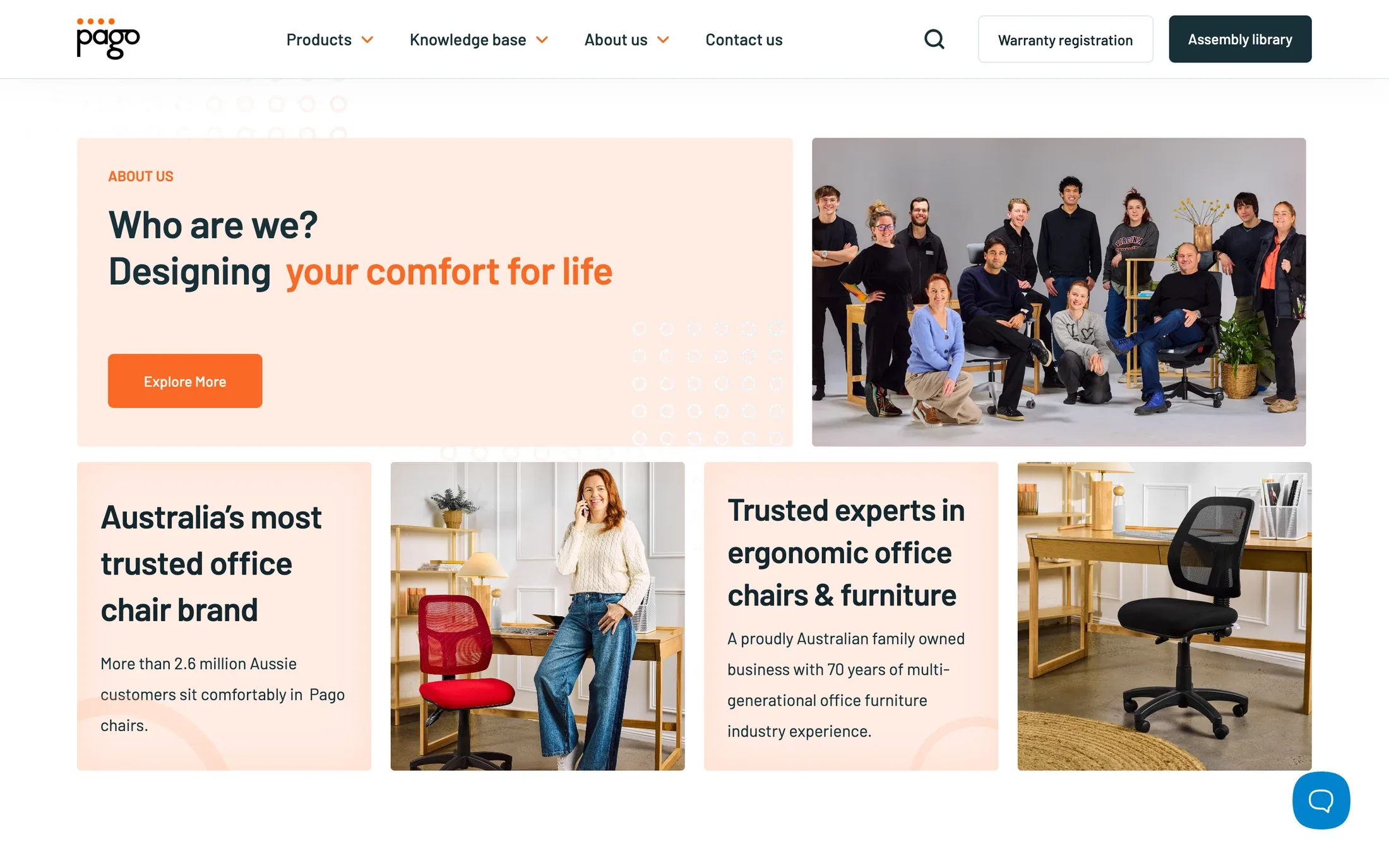
The right chair starts with a few good questions. Which size, which colour, which adjustments? Pago’s Australian website gives those details a place, then keeps the relationship going through assembly guides, warranty registration and customer support.

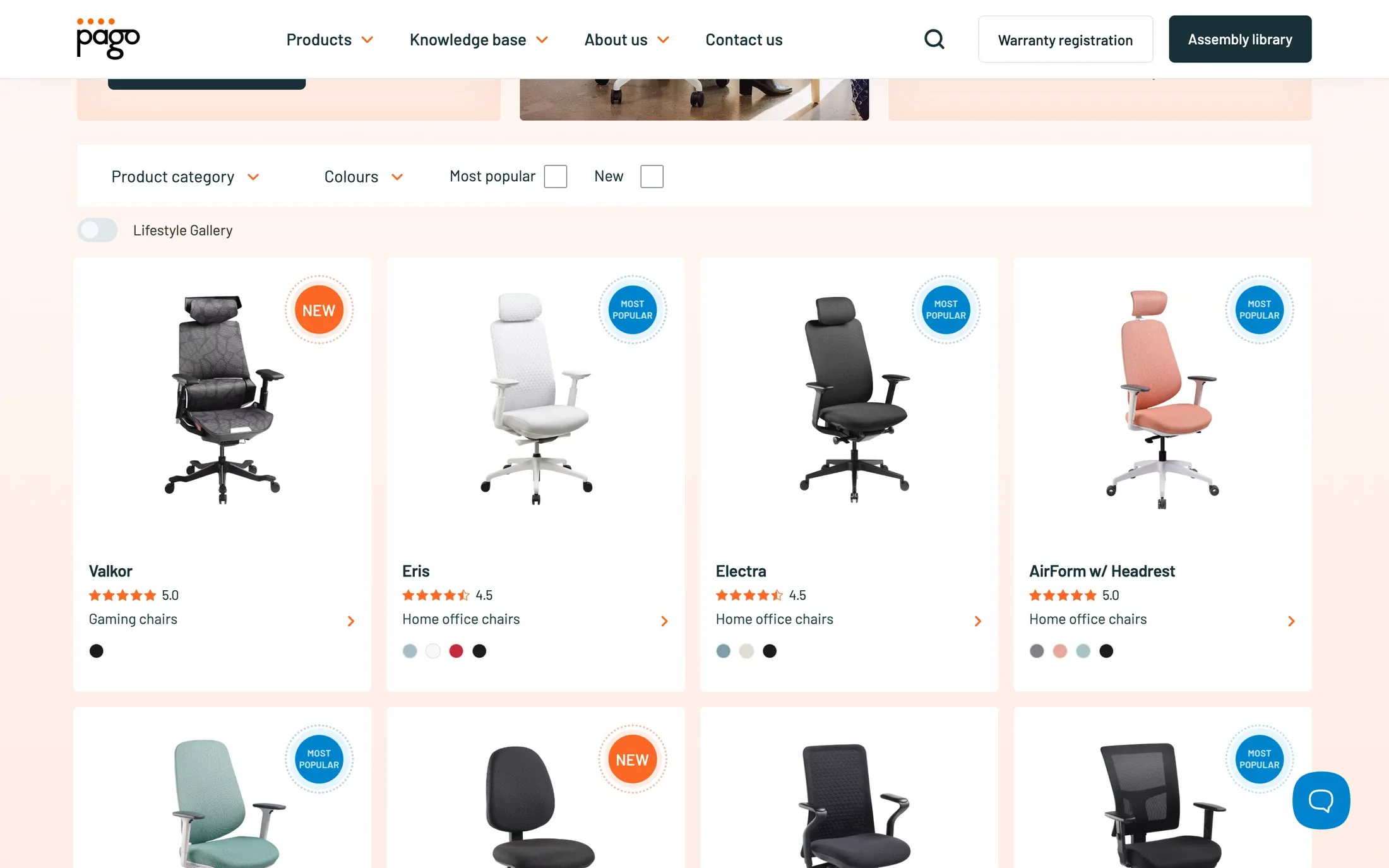
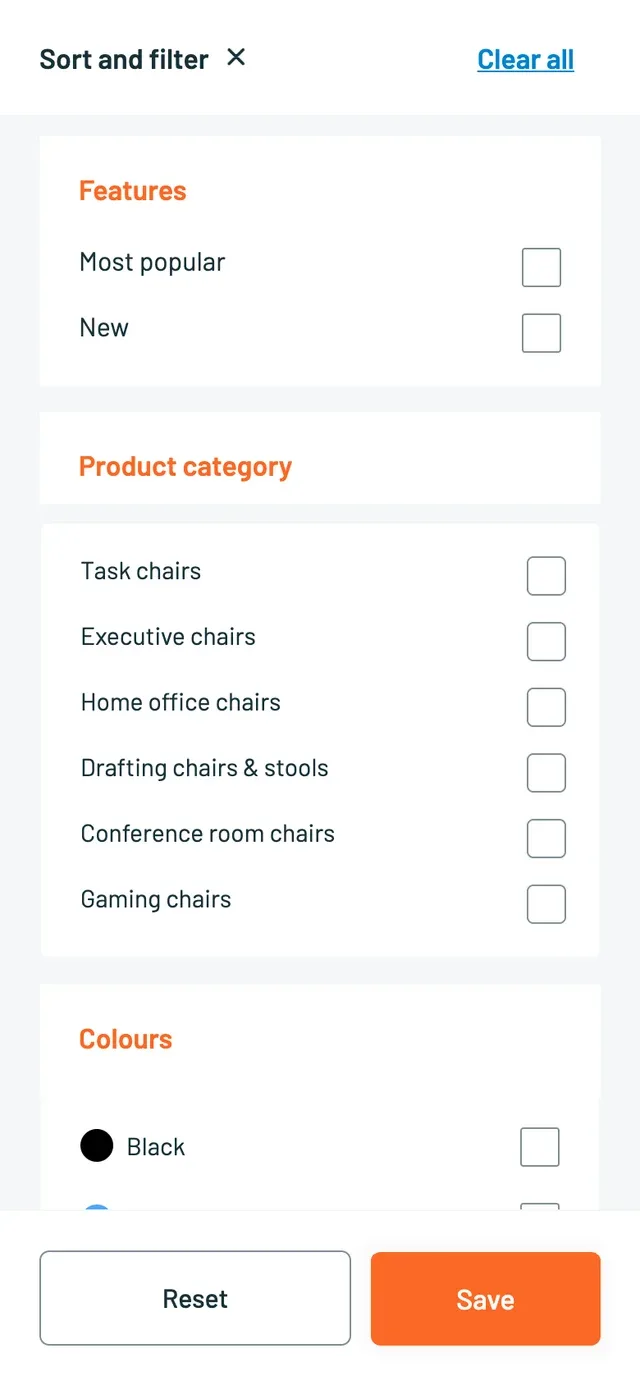
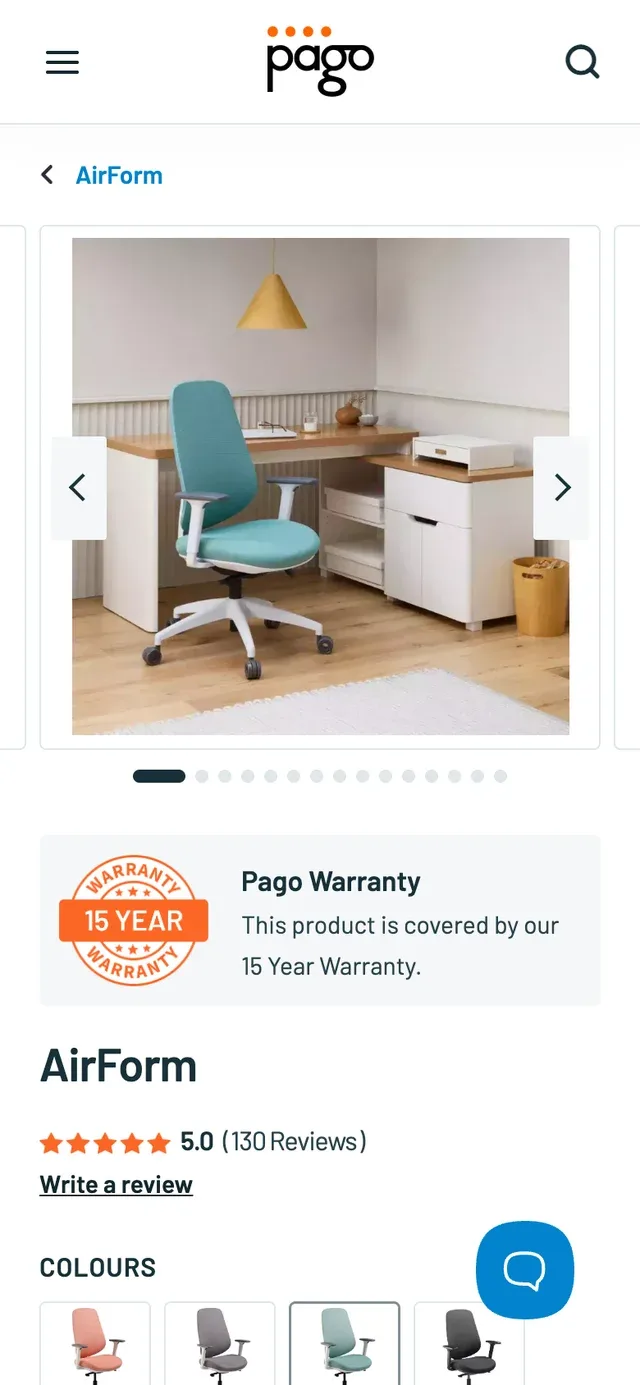
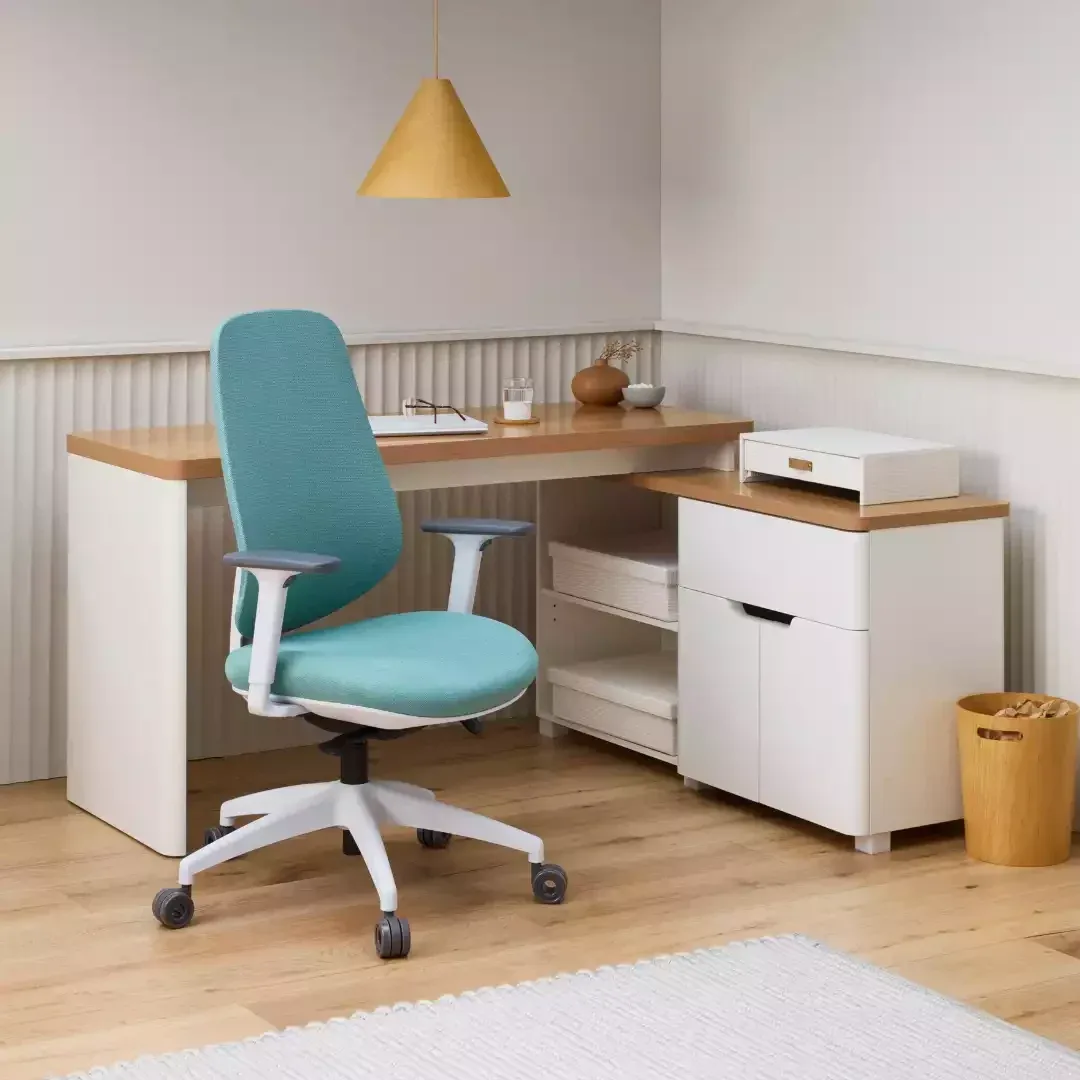
Different rooms, different ways to work. Categories and colour filters help narrow the range, while clear photography keeps each chair easy to recognise. The catalogue leads into the details that matter before choosing.
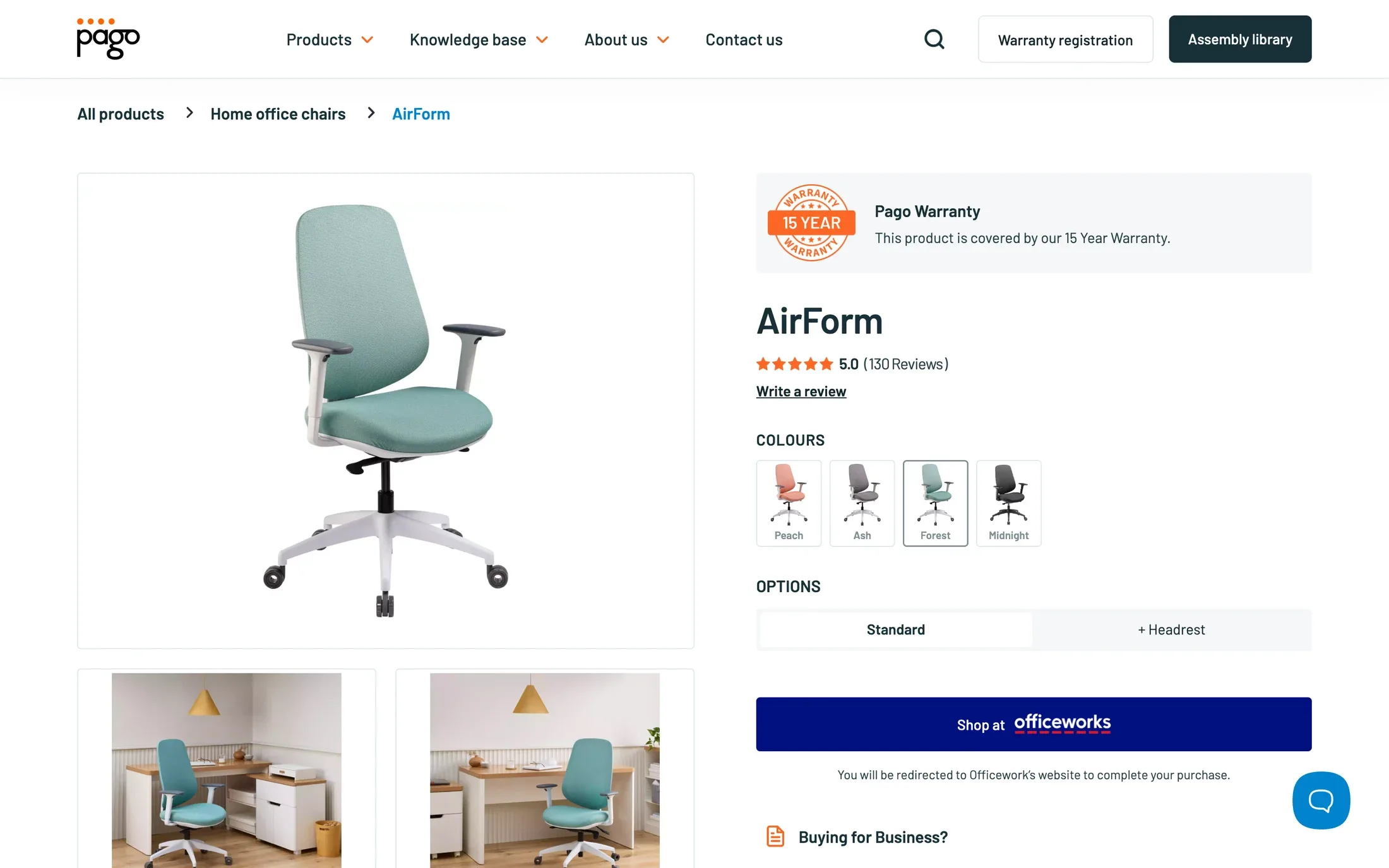
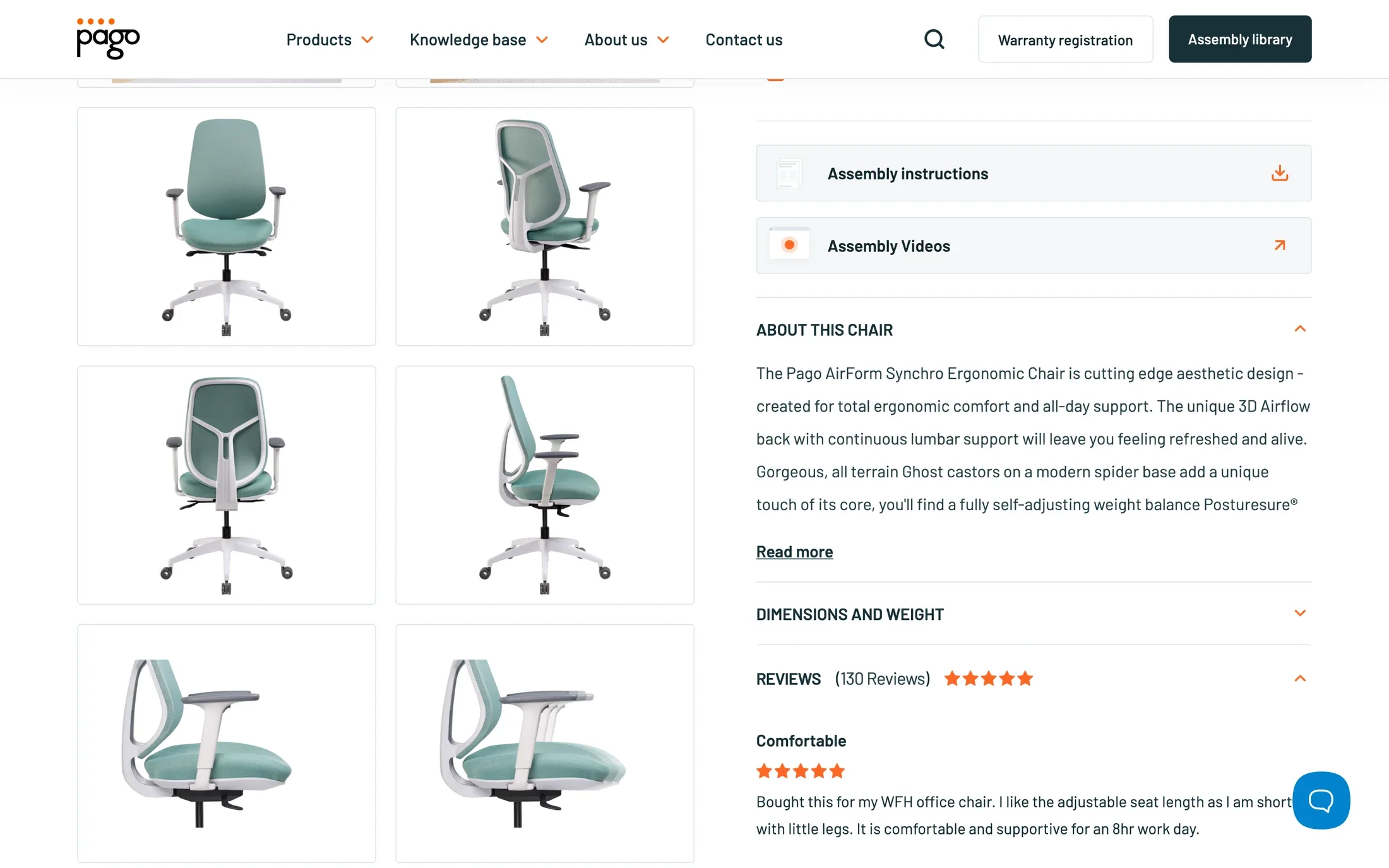
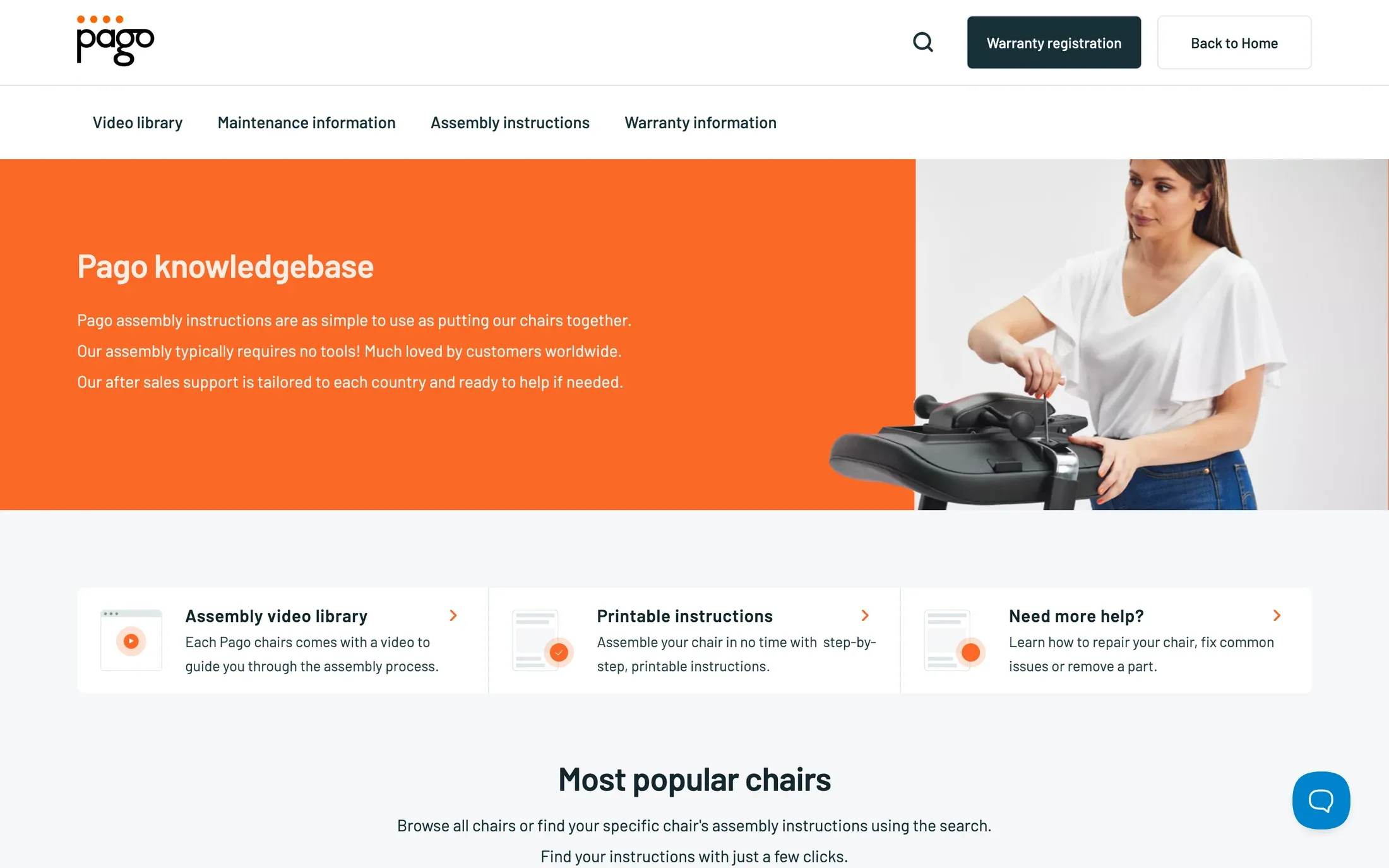
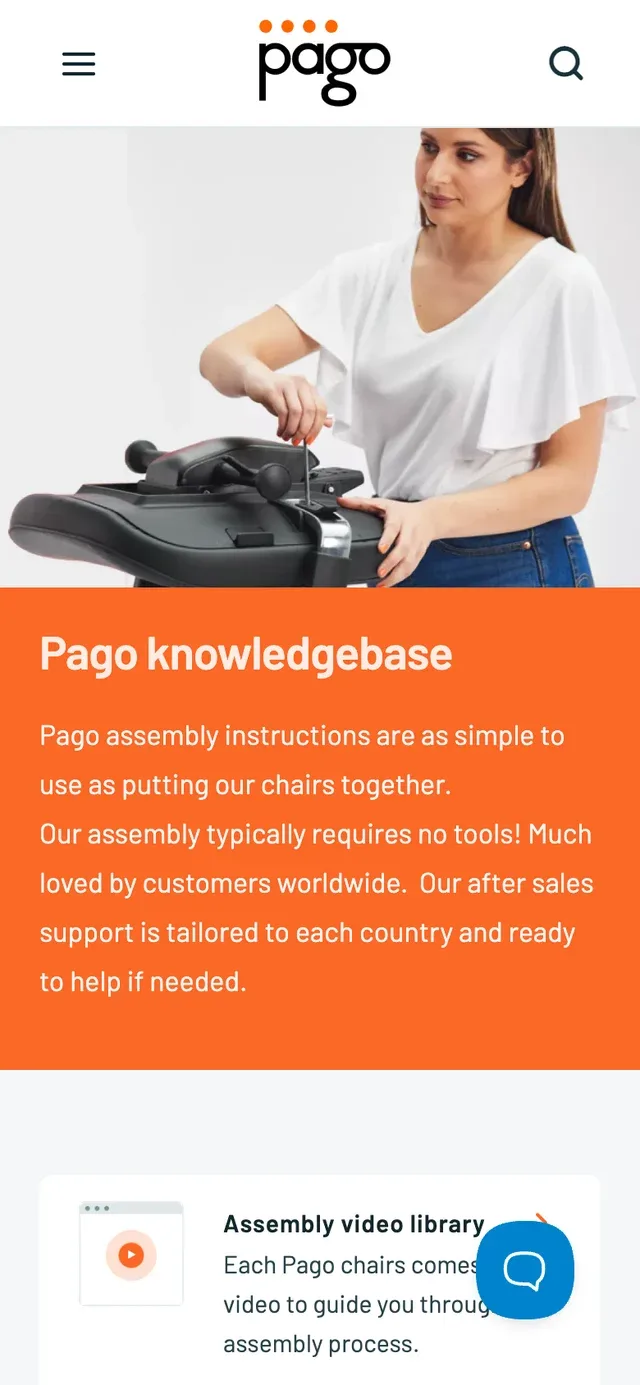
The next visit may happen with a box of chair parts on the floor. Assembly videos, printable instructions and maintenance information are connected to the product, with a dedicated library for people looking for help.
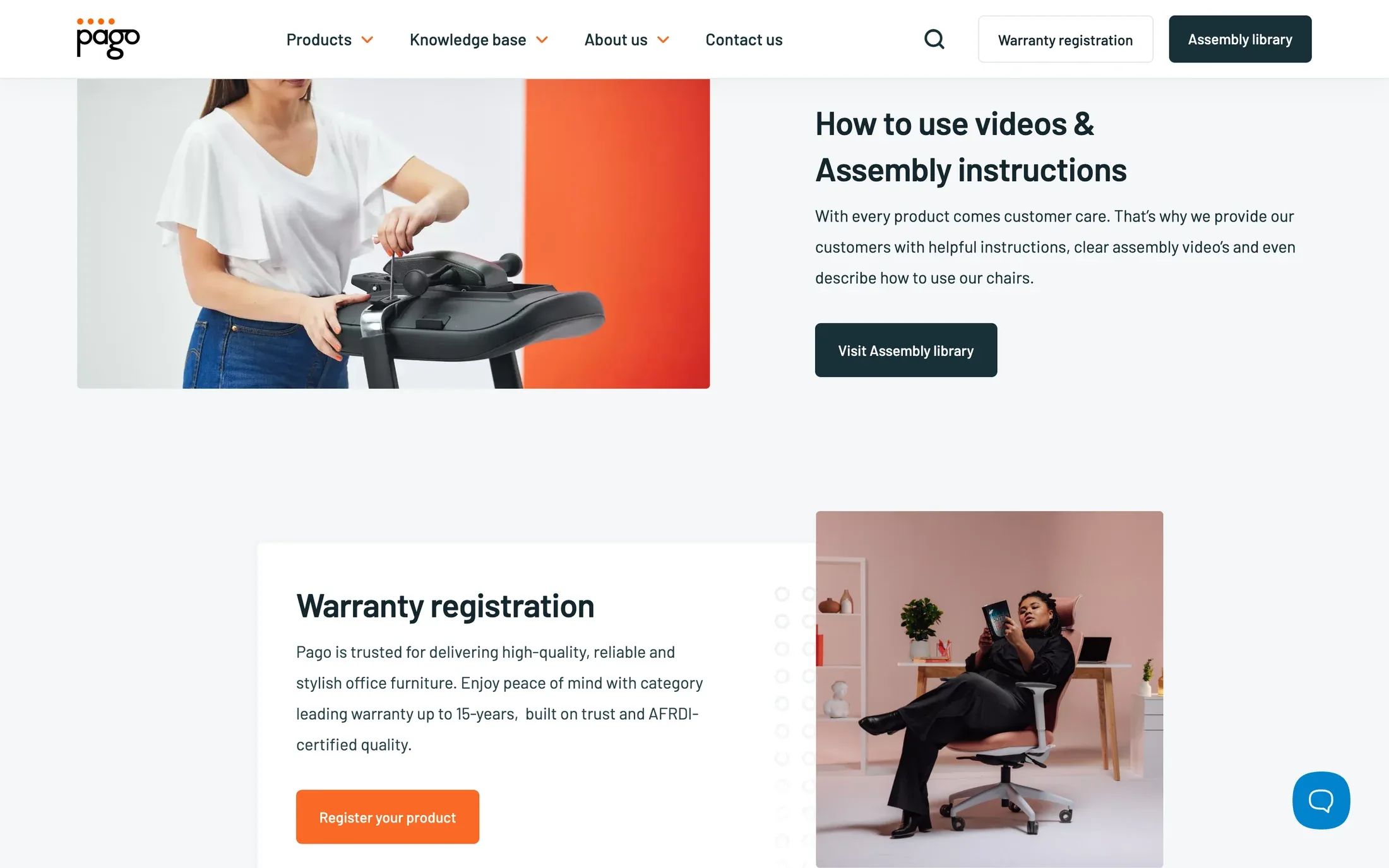
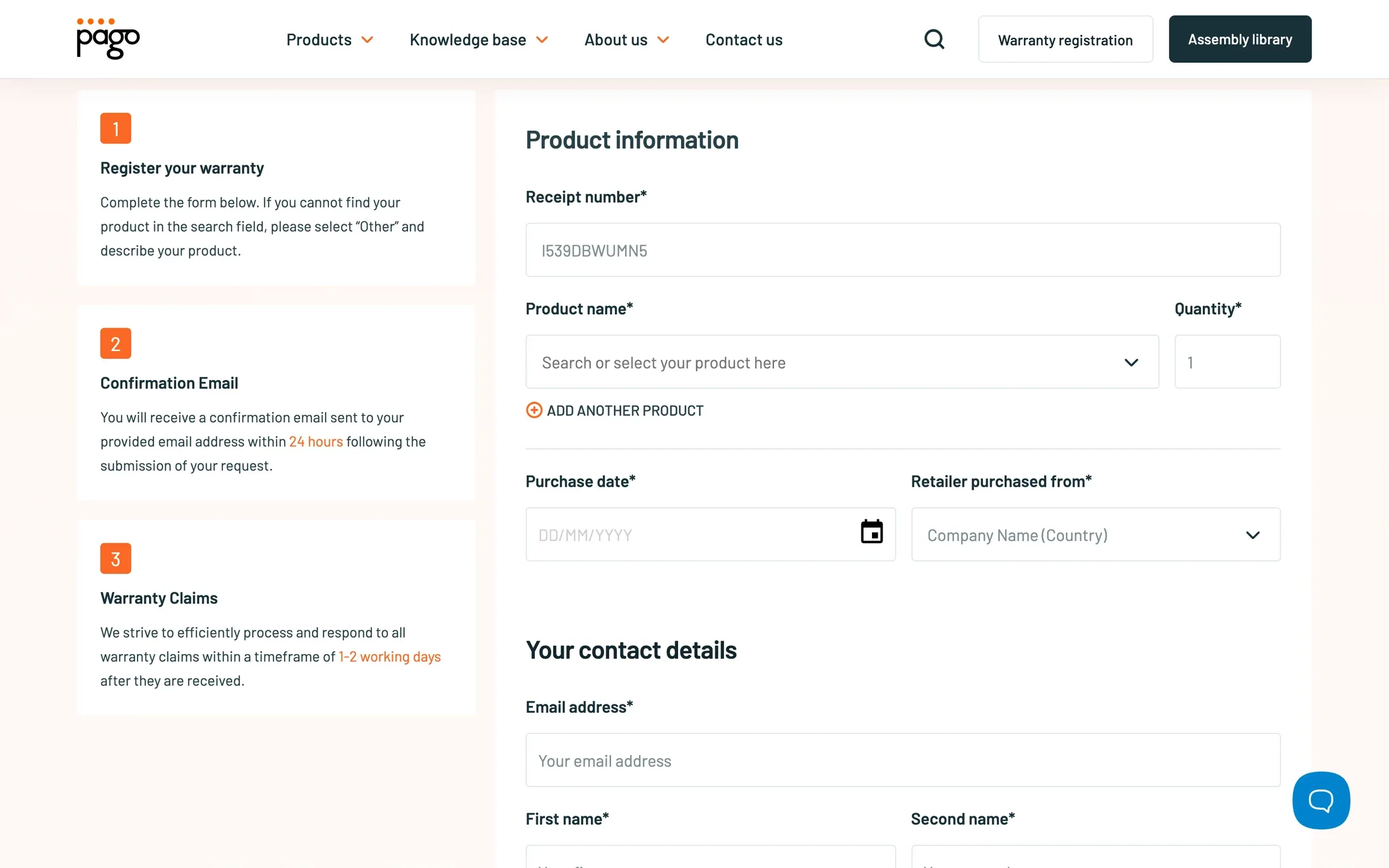
Warranty registration is part of the working system behind the site. Kigo connected Webflow with Make, Airtable and SendGrid to organise registrations and their follow-up, alongside an editing setup for the product and support content.

Websites, apps and digital experiences. A few of the projects we’ve brought to life.
A platform for documenting marine-mammal inspections and keeping each animal’s history connected.
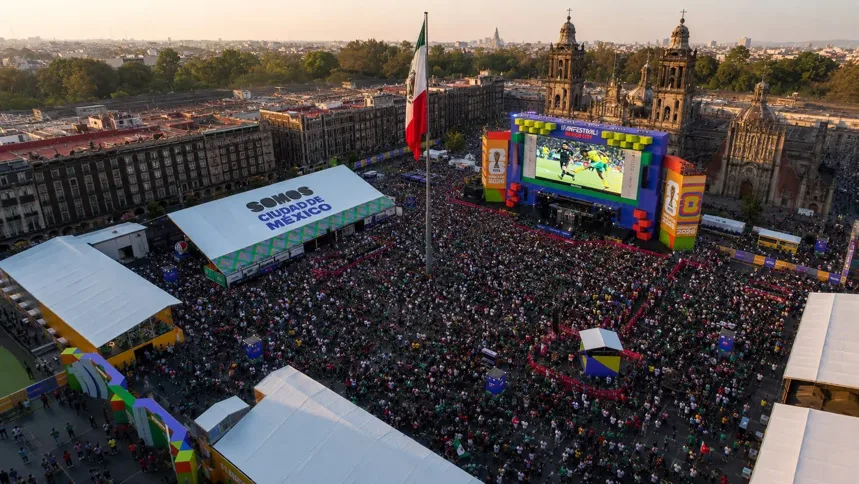
Football, culture and the city in one digital destination for Mexico City’s World Cup experience.
A card-registration experience for FIFA Fan Festival visitors, with camera scanning and a clear activation flow.
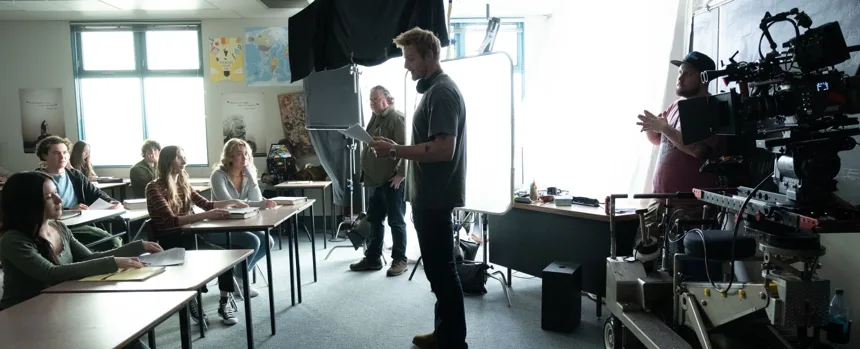
A digital home for the stories, community and healthcare resources surrounding the film Billings.