
Gobierno de México:Huella
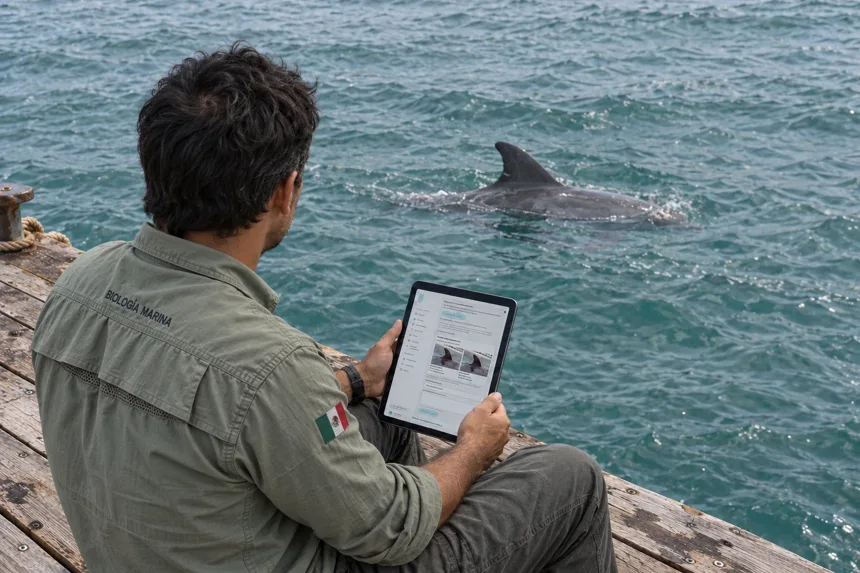
A platform for documenting marine-mammal inspections and keeping each animal’s history connected.
- Web app
- Inspections
- Traceability


2026
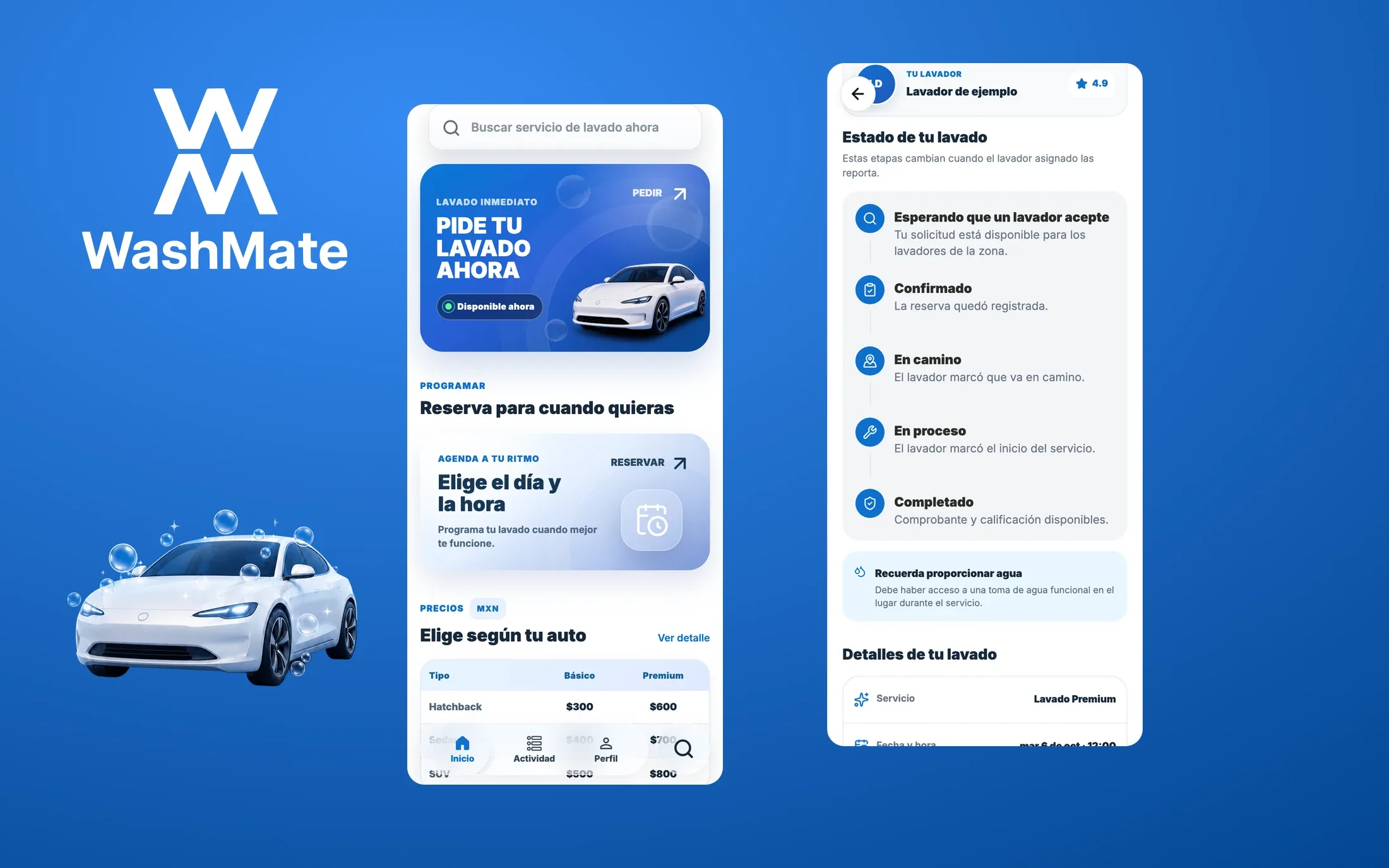
A car wash that comes to you. WashMate brings booking, payment and service updates into one app, connecting the customer, the washer and the team behind each visit.
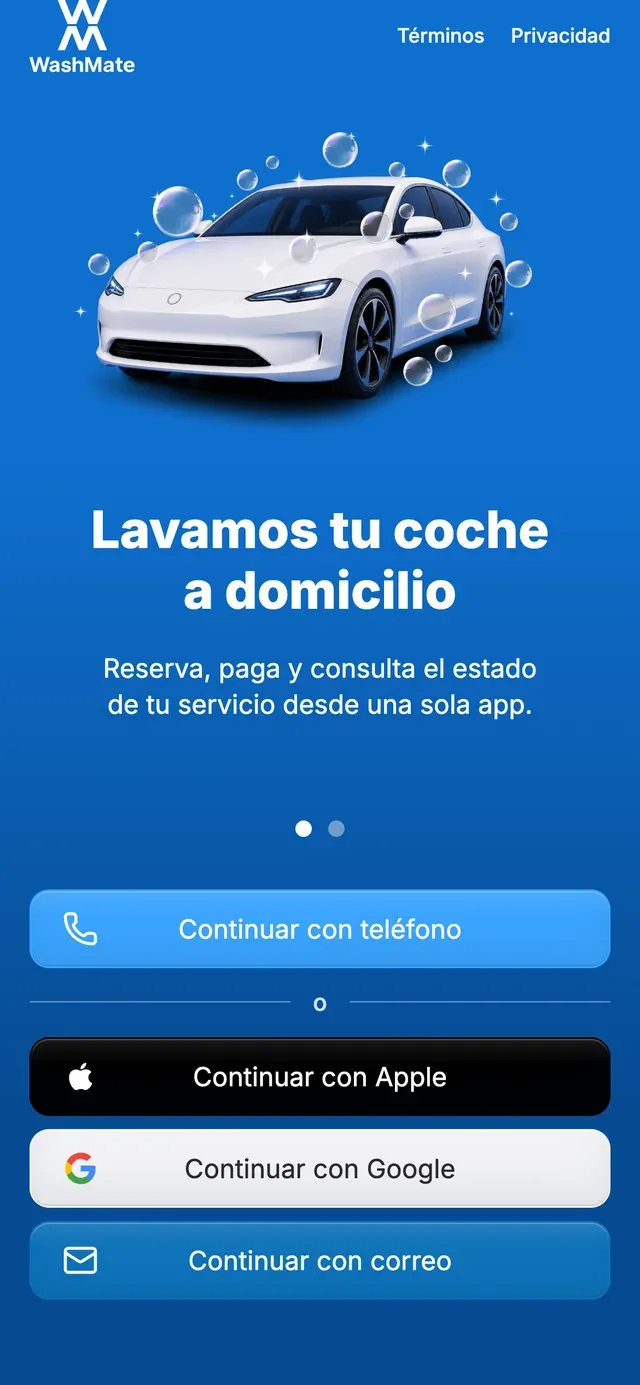
The welcome makes the offer clear before asking for a phone number: a wash at home, with updates as it happens. Customers can request a service now or choose a time that fits their day.
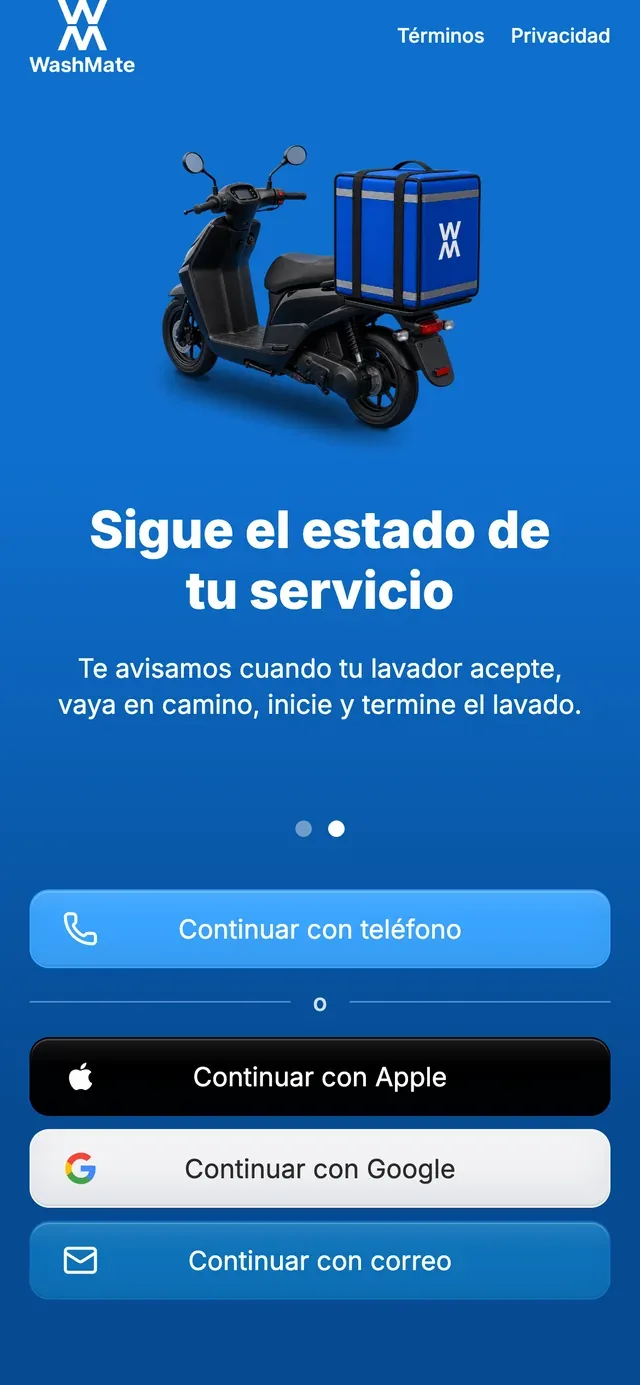
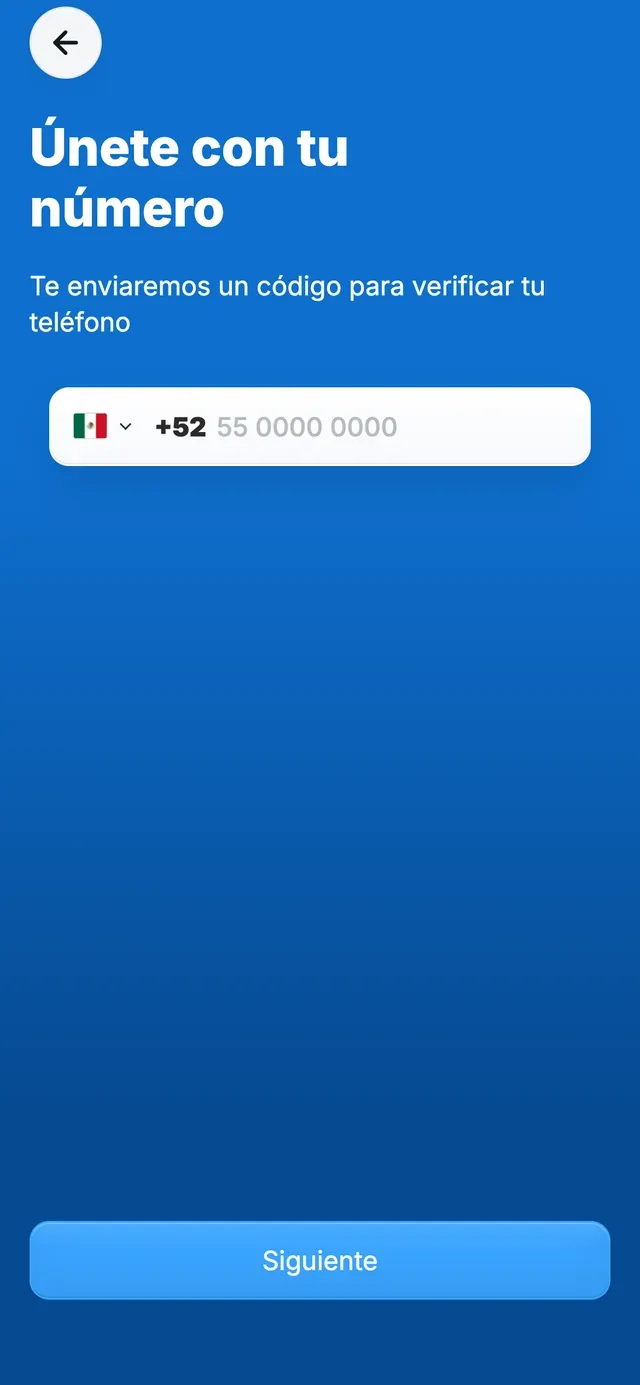
The service has a visible sequence: accepted, on the way, in progress and completed. Details and a rating stay with the same booking. These customer screens use an isolated demo with sample records.
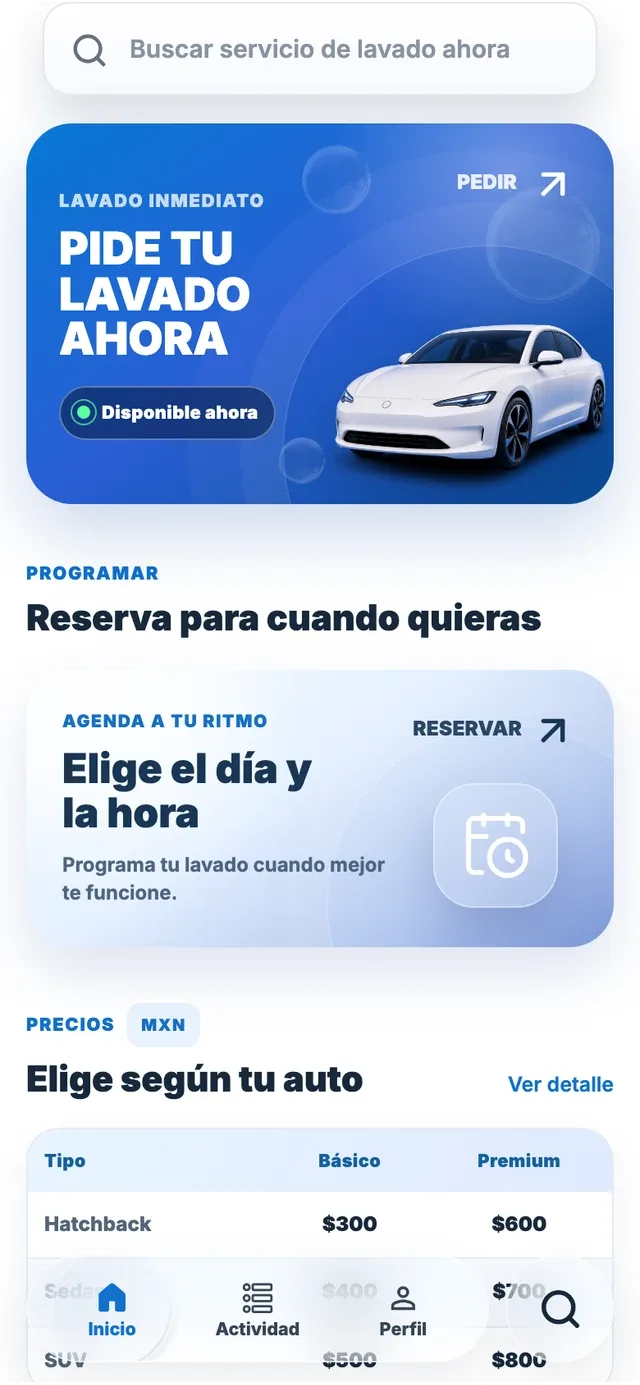
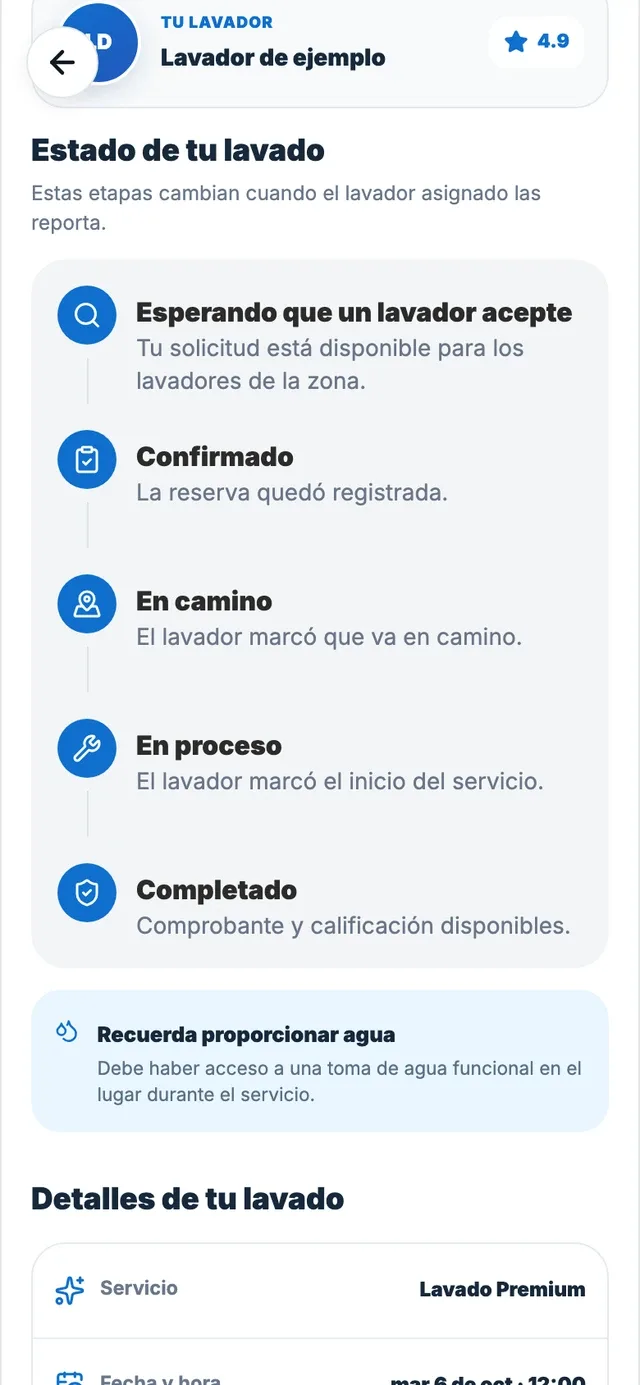
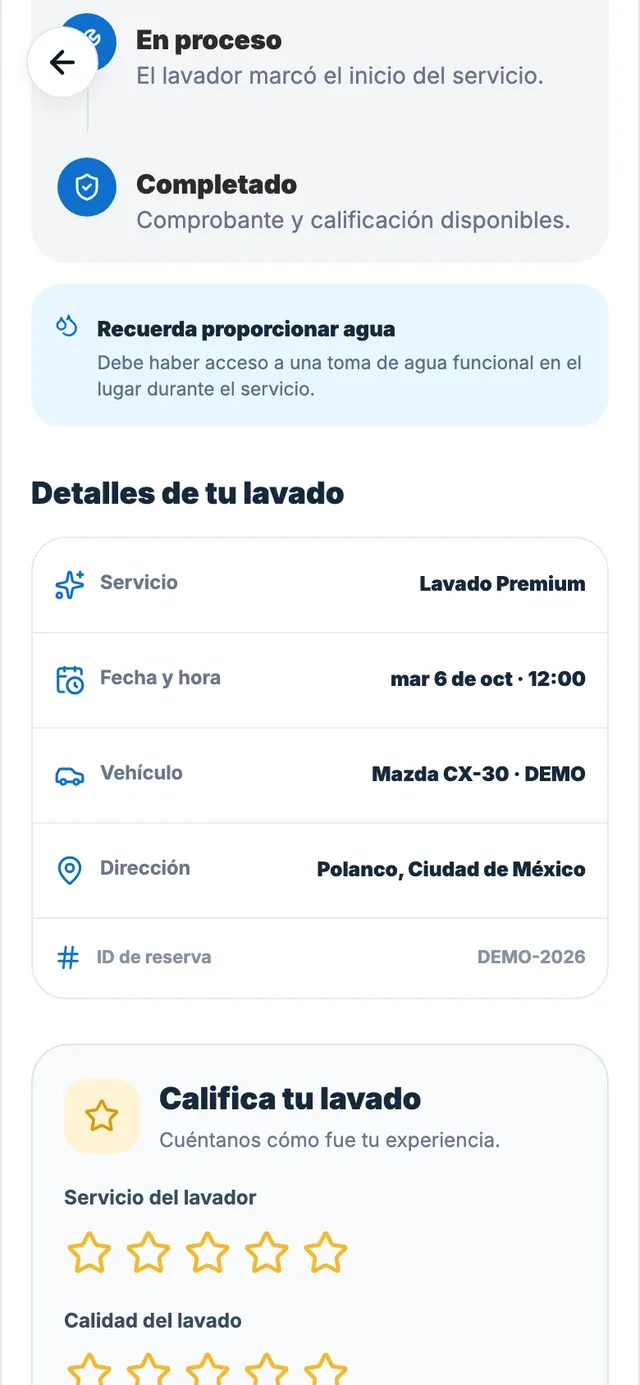
Customers book and follow their wash. Washers apply, take jobs and see their earnings. The operations team manages users, payments, quality and support. Each role has a different job within the same product.
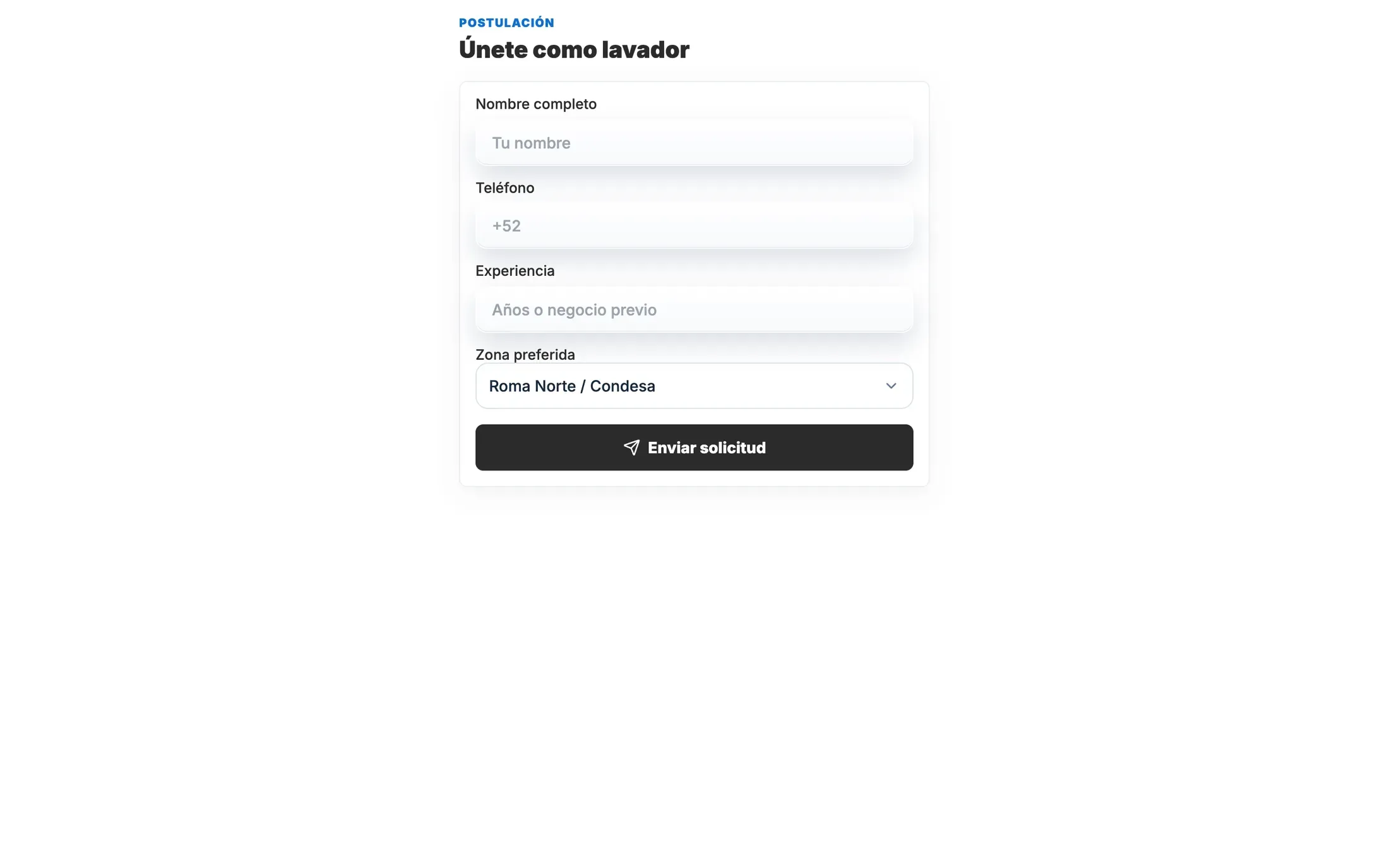
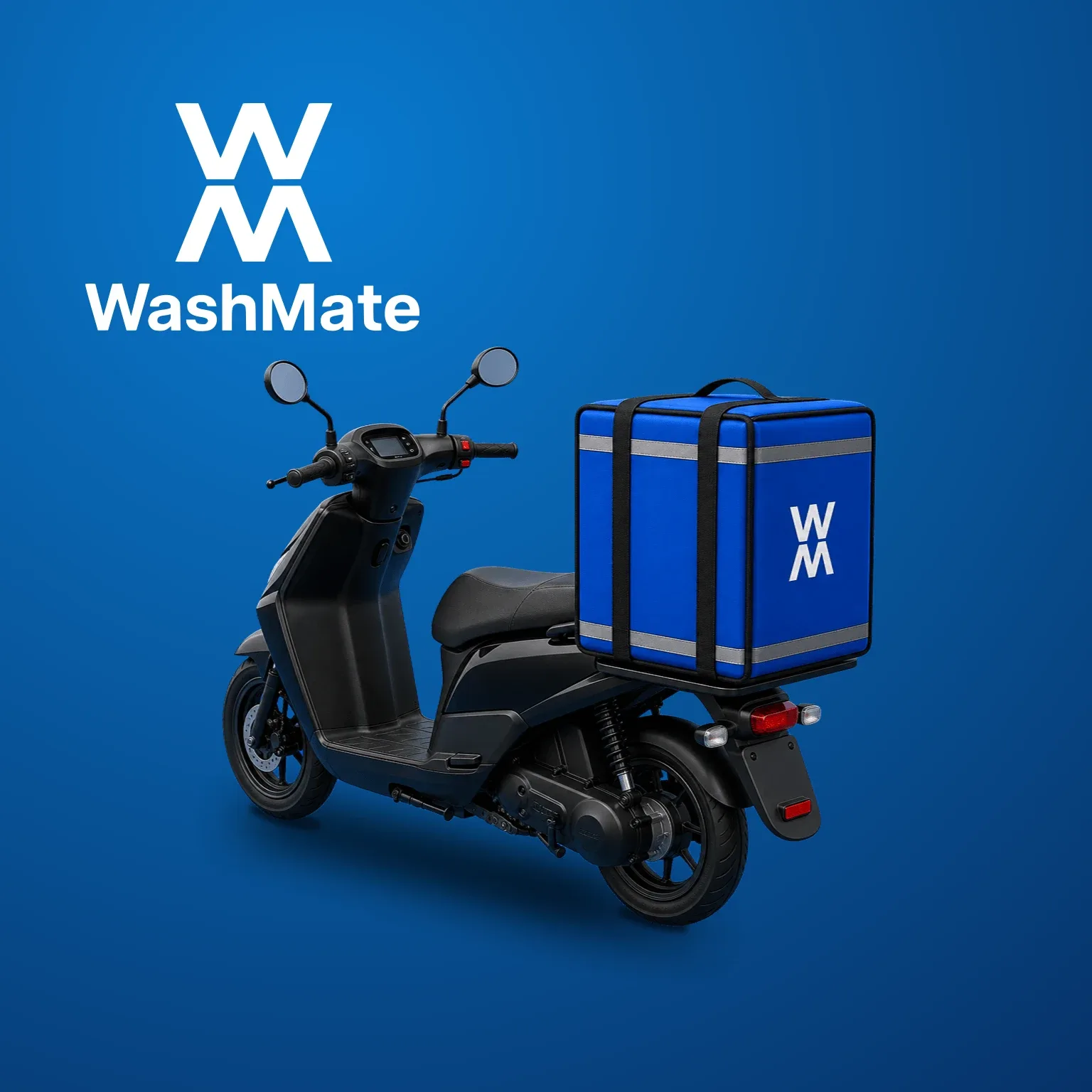
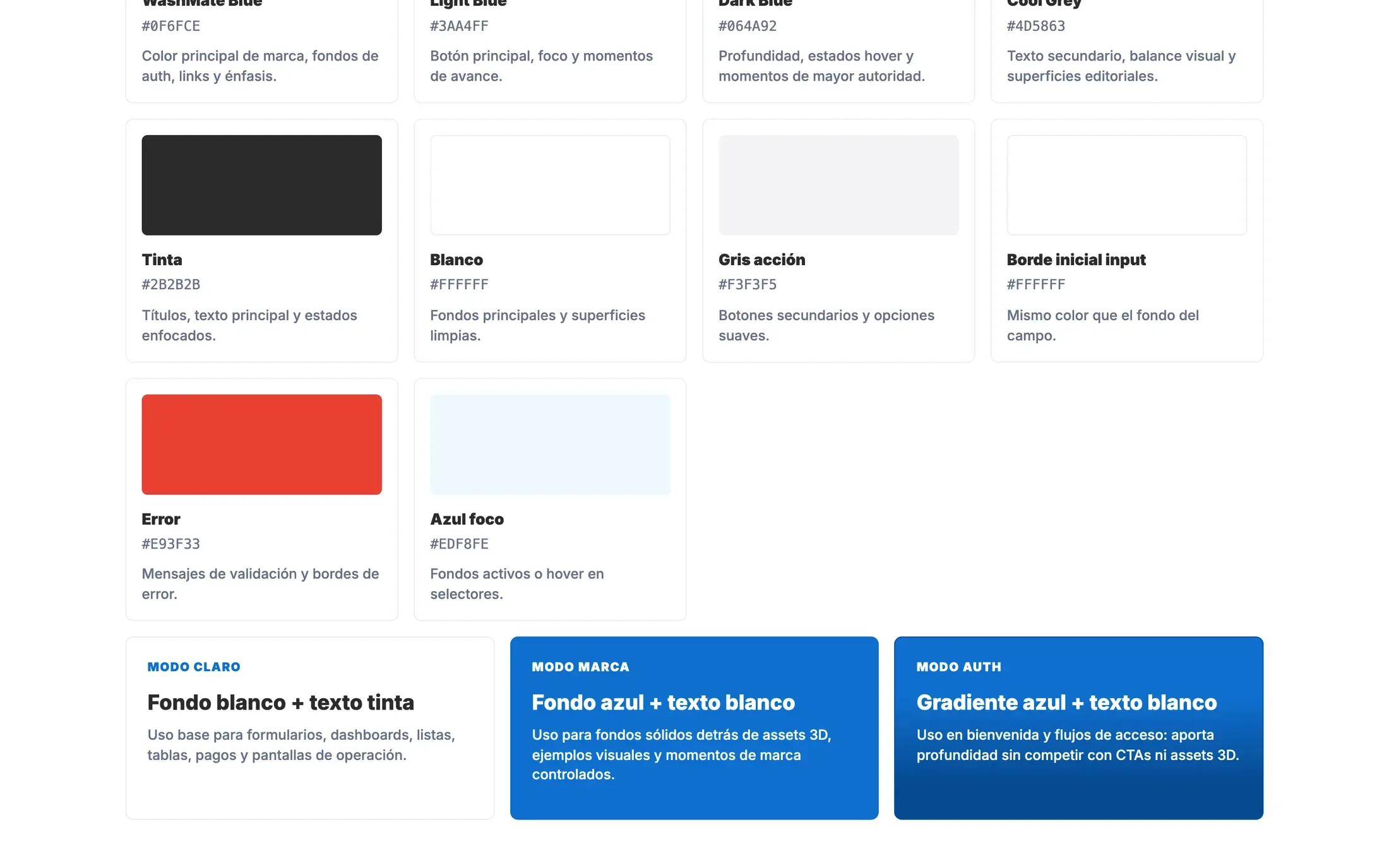
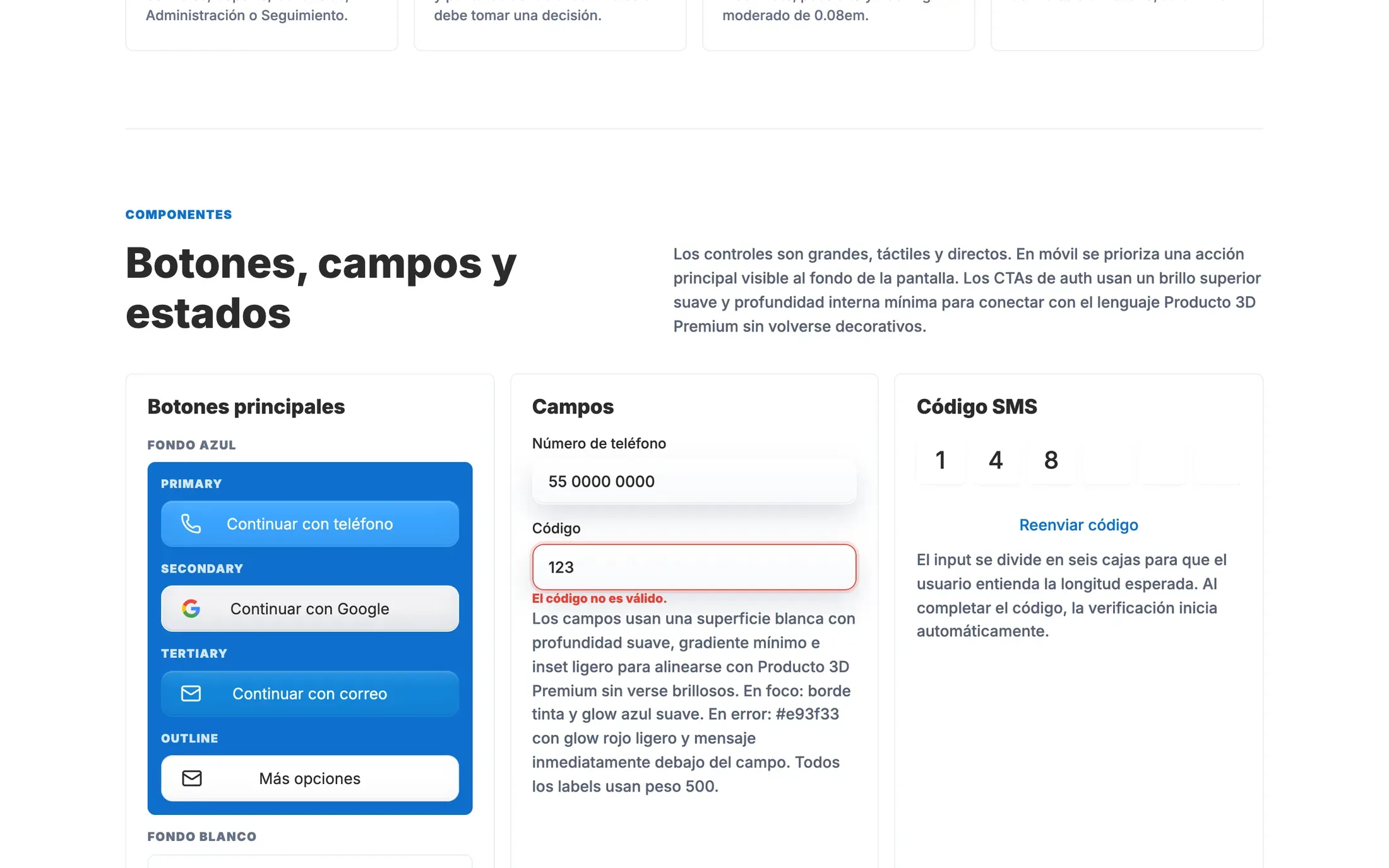
Bright blue, dimensional illustrations and simple controls make a practical service feel approachable. The design system gives that personality a repeatable form, from the palette to the states of every field and button.
Websites, apps and digital experiences. A few of the projects we’ve brought to life.
A platform for documenting marine-mammal inspections and keeping each animal’s history connected.
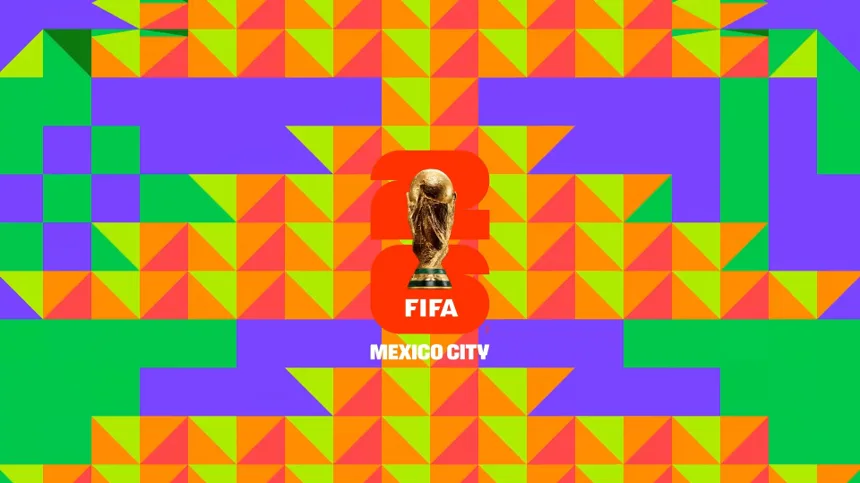
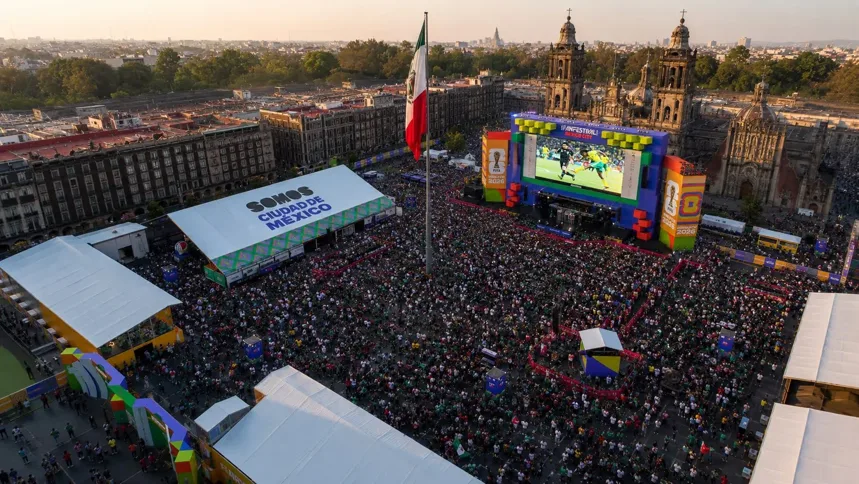
Football, culture and the city in one digital destination for Mexico City’s World Cup experience.
A card-registration experience for FIFA Fan Festival visitors, with camera scanning and a clear activation flow.
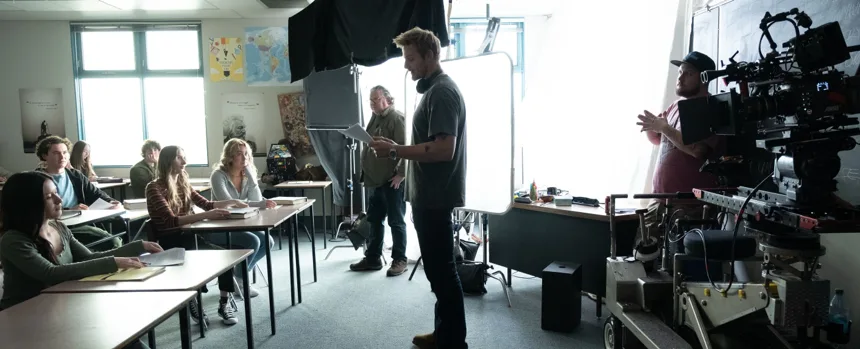
A digital home for the stories, community and healthcare resources surrounding the film Billings.