


Why should you care about speed?
I used to think site speed was one of those things developers obsess over but users don't really notice. I was wrong.
Here's what changed my mind: BBC found they lost 10% of users for every additional second their pages took to load. Walmart saw a 2% increase in conversions for every 1 second improvement in load time.
That's real money walking out the door.
Beyond conversions, Google uses site speed as a ranking factor. A slow site means fewer people find you in search results. And the ones who do? They bounce before seeing what you offer.
There's also something psychological at play. A fast site feels professional and trustworthy. A slow site feels broken, even if everything eventually loads.
You have a site, now make it fast
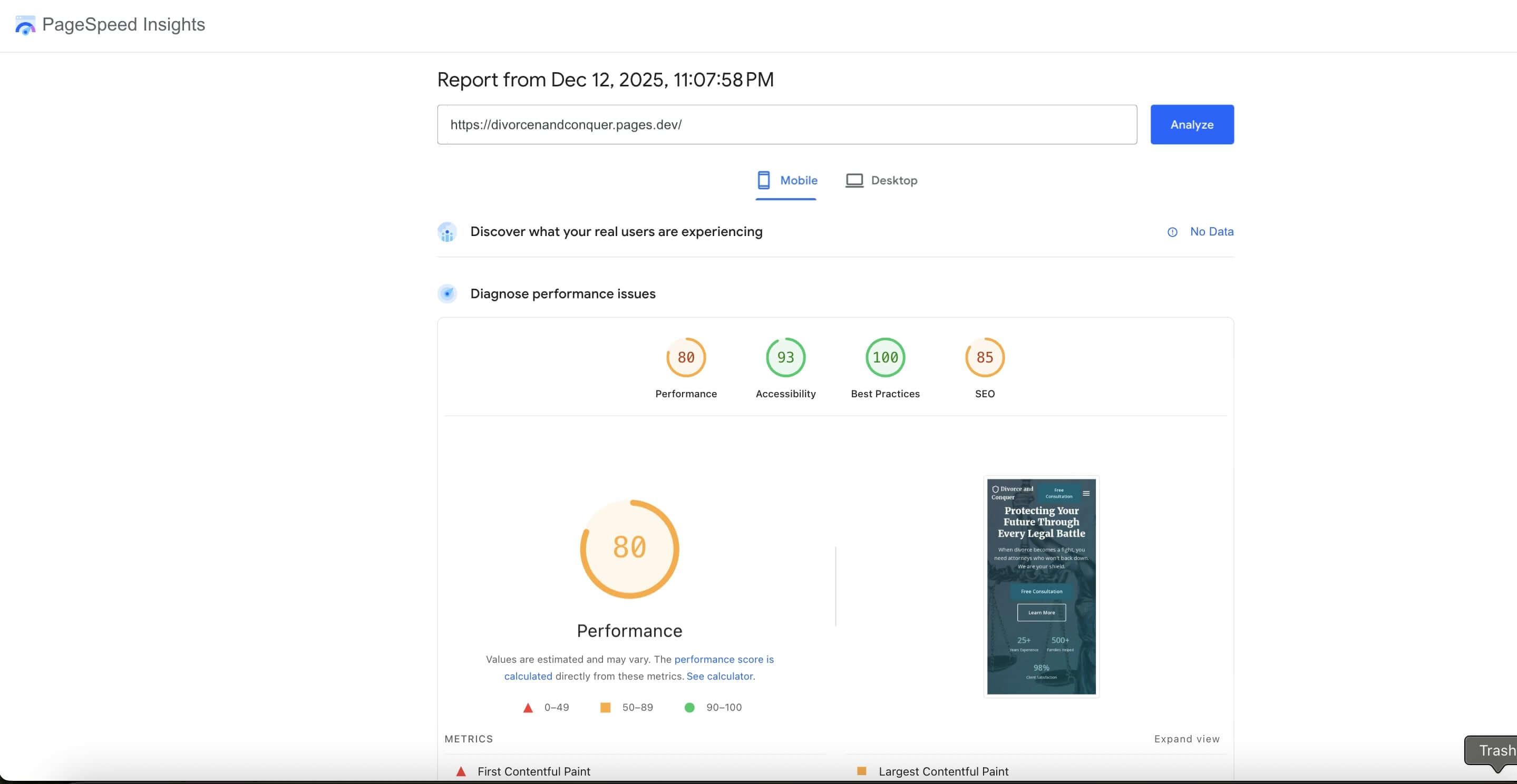
If you followed my guide on building a website from zero with AI, you probably have something live already. But AI doesn't always nail performance on the first pass. I've seen Claude generate beautiful sites that score 60 on Lighthouse.
That's fixable. Let's go through what actually moves the needle.
Start by measuring
Before touching anything, run Google Lighthouse on your site. It's built into Chrome DevTools (right-click, Inspect, Lighthouse tab).
The report scores you from 0-100 and tells you exactly what's slowing things down. Save a screenshot to compare after making changes.
Pay attention to Core Web Vitals:
Largest Contentful Paint (LCP) measures how fast your biggest visible element loads. Google wants this under 2.5 seconds.
First Input Delay (FID) measures how quickly the page responds when users interact. Google wants this under 100 milliseconds.
Cumulative Layout Shift (CLS) measures whether stuff jumps around while loading. You know that thing where you're about to tap a link and an ad pushes it down? That's poor CLS.
The fixes that actually matter
Images are usually the biggest problem
80% of the slow sites I've seen have the same issue: massive images. Someone uploaded a 4000x3000 photo for a thumbnail that displays at 400x300 pixels.
Browsers are dumb about this. They download the whole file even if CSS scales it down. The file size is what matters.
Use a CDN with automatic optimization. Cloudinary, Imgix, or Netlify Image CDN can resize and compress on the fly. You upload once, they serve the right size for each device.
Convert to modern formats. WebP and AVIF are 25-50% smaller than JPEG with similar quality. Most CDNs handle this automatically.
Add width and height attributes. This prevents layout shift while images load.
<img src="photo.jpg" width="800" height="600" alt="Description">
Lazy load below-the-fold images. No reason to load images users haven't scrolled to yet.
<img src="photo.jpg" loading="lazy" alt="Description">
Extract your critical CSS
When a browser loads your page, it downloads and parses your entire CSS file before rendering anything. If your stylesheet is 100KB, the browser waits for all of it even though only 10KB is needed for what users see initially.
The solution: extract the CSS needed for above-the-fold content and inline it in your HTML's <head>. The rest loads afterward, but users see a styled page almost immediately.
I built a tool for this: Critical CSS Generator. Paste your URL, it extracts only the necessary styles. The page includes a guide on implementation.
Cut down on HTTP requests
Every file your page needs requires a round trip to the server. Even with HTTP/2, each request has overhead: DNS lookup, TCP connection, SSL handshake.
Look at your Lighthouse report to see which requests take longest. Common culprits:
- Multiple CSS files that could be combined
- Font files for weights you're not using
- Third-party scripts for features nobody uses
- Too many images without lazy loading.
Be careful with external scripts
That chat widget, popup builder, analytics suite, social share bar... each one adds load time.
Here's what makes external scripts problematic: you don't control them. If their CDN has a bad day, your site slows down.
Audit what's running on your pages. Open DevTools, Network tab, filter by "JS". You might find scripts from campaigns you ended months ago.
For scripts you do need, use defer or async so they don't block rendering.
Minify your code
Minification removes whitespace, comments, and long variable names. A 100KB file might become 60KB.
Most build tools (Vite, Webpack, Parcel) do this automatically. For simple sites, online minifiers work fine.
Choose good hosting
The fanciest optimizations won't help if your server takes 500ms to respond. That's half a second gone before anything starts loading.
Look for hosting with response times under 200ms and servers close to your users. For static sites, Cloudflare Pages, Netlify, and Vercel all perform well and have free tiers.
Keep it fast over time
Sites get slower gradually as people add features and images without thinking about cumulative effect. I've seen sites go from 90 to 65 on Lighthouse over a year from normal updates.
Set a reminder to run Lighthouse monthly. It takes two minutes and catches regressions before they pile up.
Final thoughts
Start with images and critical CSS. Those two usually give you the biggest wins for the least effort. Then go through Lighthouse recommendations one by one.
And if you're using AI to build sites, ask it specifically about performance. Add "optimize for Lighthouse performance score above 90" to your CLAUDE.md and see what happens.
Hope this helps.